Building an Account-Based Personalization Engine From Enriched Brand Data
Extract live brand intelligence from target accounts' websites to power personalized ABM messaging.
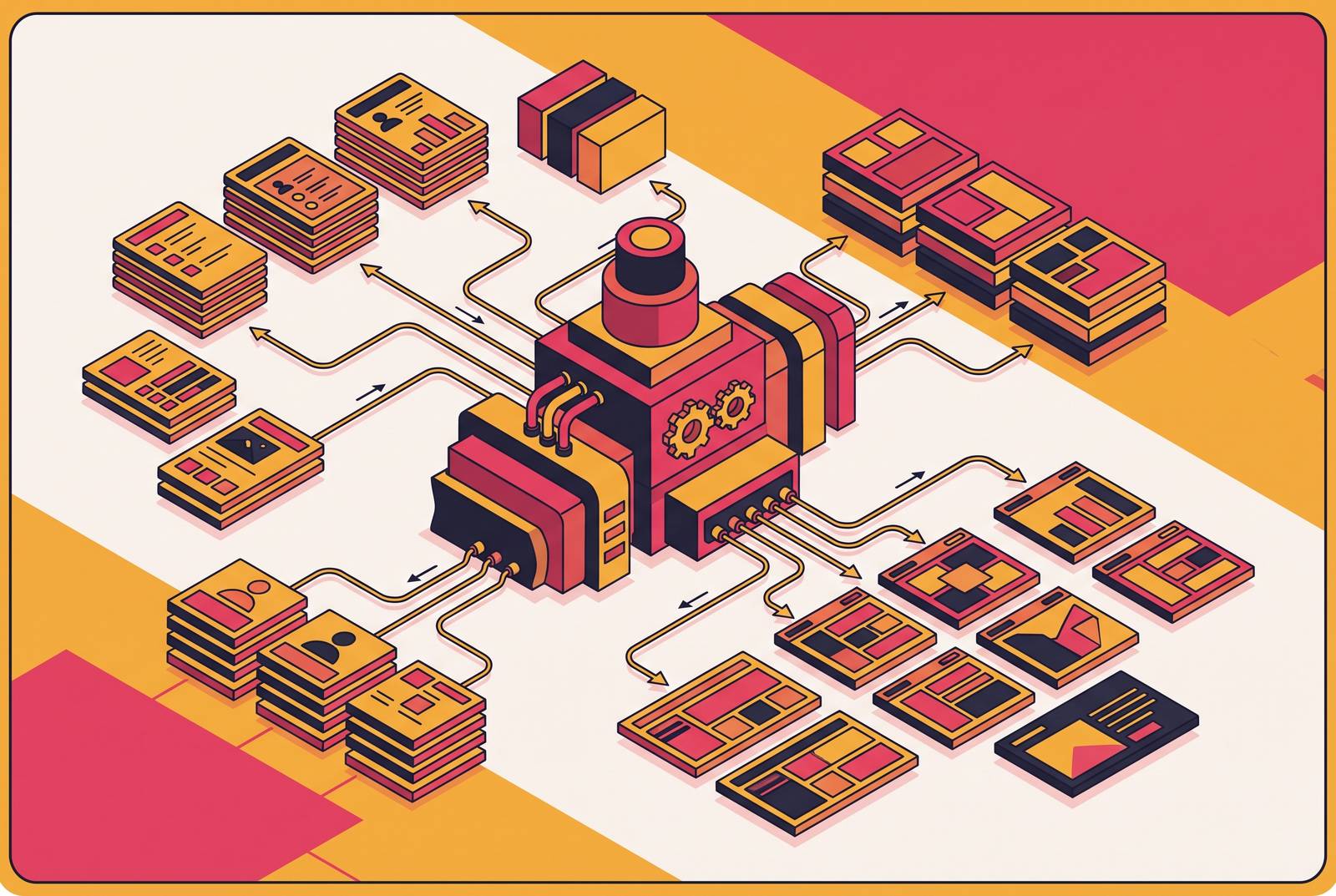
Building an account-based personalization engine starts with the data. Firmographics and intent signals help decide which accounts to pursue, but live brand intelligence determines what to say and how to present it. The architecture that matters turns an account’s public website into fresh, structured records that personalization logic can actually use.
Why ABM personalization stalls without live brand intelligence
A personalization engine can confidently serve a message about a product the target account no longer emphasizes. The account name is right and the logo looks familiar, but the outreach still misses the point. Its inputs may include firmographic fields from when the CRM record was created, a vendor’s intent feed, and a logo from a static database. Those inputs may miss what matters to the account now.
That mismatch tells a buying committee that the sender has not done the homework. More sophisticated generation cannot repair missing evidence about the account’s positioning or language. The account’s own public web presence has the missing input, in its product pages, press releases, and careers section. Treating those pages as a live data source gives the engine something more useful than a company label to personalize around.
What "enriched brand data" actually means for an ABM pipeline
Firmographic and intent data answer who to target and when. Brand intelligence answers what to say and how to frame it. These inputs work together, but they are not interchangeable. Knowing an account’s size or buying signals does not reveal how it describes its product, which initiatives it is emphasizing, or what its visual identity looks like today.
For a developer, enriched brand data means explicit fields. Visual identity includes a logo URL, primary colors, and typography that a landing page or deal room can use. Messaging fields hold the homepage headline copy, value proposition language, product names, and feature framing. Strategic signals come from product announcements, partnerships, press releases, and the hiring patterns on careers pages.
The distinction also matters when choosing dependencies. HubSpot’s acquisition of Clearbit illustrates that ownership of an enrichment provider can change, so provider choices carry market risk as well as coverage questions. Whatever supplies the firmographics, brand records still need to stay current with rebrands, launches, and shifts in messaging.
Why crawling the target account's site is the right extraction strategy
The account’s website is the primary source for its public positioning. Its marketing and product teams publish there on their own schedule, while an enrichment database reflects what a provider captured during a previous collection pass. With direct crawling, the pipeline controls when to refresh the data. It also lets the developer choose coverage and fields based on the personalization engine’s needs.
Homepage and product pages supply headline copy and feature language, while about and leadership pages supply the company narrative, mission, and executive names and titles. Careers pages show which functions are hiring, which can point to where the account is investing. Newsroom pages carry partnerships, funding, and launches, while pricing pages reveal packaging names, tier structure, and go-to-market emphasis.
Crawling therefore gives the pipeline control over extraction. A pipeline can include product subpages, partner pages, a changelog, or a blog when those sources carry useful brand signals. But choosing the right pages does not make them easy to extract. Because of JavaScript rendering, anti-bot measures, and differences in how pages are built, a plain HTTP request may return little useful content, while fixed CSS selectors break when templates change.
Converting raw crawl output into LLM-ready brand intelligence
The extraction pipeline has three separate jobs, which are rendering pages, cleaning their contents, and extracting structured fields. Keeping those jobs separate makes it easier to see what each costs and how each can fail. Rendering makes client-side content available. Cleaning strips out material that wastes model input, and schema-driven extraction turns the evidence left over into a record that downstream code can use.
For JavaScript-heavy sites, headless browser rendering is a prerequisite. Tools built with Playwright handle asynchronous content loads, cookie consent walls, and client-side navigation. Without rendering, extraction may get an empty shell lacking the content a visitor sees. The cost is throughput, because browser-rendered crawls are slower and more resource-intensive than raw HTTP fetches. Crawl scope therefore affects both coverage and operating cost.
Once the page is rendered, clean Markdown gives the language model a less noisy input than raw HTML. Boilerplate-stripped Markdown leaves out navigation chrome, cookie banners, footer material, and script tags so more of the input is main content. This differs from converting the entire page to Markdown while retaining its clutter. For brand messaging, body copy, headings, and structured lists usually carry the useful signal, and removing the rest can substantially reduce token usage and inference cost.
The next stage applies a developer-defined JSON schema. Fields might include brand_colors, logo_url, headline_copy, value_proposition, product_names, target_personas, and recent_announcements, with arrays where the record needs multiple values. LLM-powered extraction interprets the supplied content across layouts that would require different selectors. Extraction produces validated JSON that personalization logic can consume without another free-form parsing step. This adds per-page inference cost, but for account lists in the hundreds or low thousands rather than millions, the ability to handle layout variation usually makes that tradeoff worthwhile.
Architecting the pipeline so brand data stays fresh, not frozen
A successful onboarding crawl creates a snapshot. As the account changes its products or positioning, that record begins to drift. Freshness therefore needs to be an operating property of the pipeline. The system needs a reason to revisit an account before old evidence shapes the next message.
Scheduled crawls set a baseline, with weekly or bi-weekly refreshes for active targets and monthly refreshes for accounts that have lower priority. A change in the CRM deal-stage can start another crawl before the next personalized touchpoint. Change detection adds a third route by comparing a lightweight fetch of key pages with the previous crawl and triggering full extraction when changes exceed a threshold. Homepage, product, and pricing pages deserve the shortest monitoring cadence because their changes strongly affect personalization.
Each structured output should have a timestamp and a retained prior version for comparison. That lets personalization logic flag major changes since the last outreach. For active deals, the pipeline can fetch live data when content is generated, while earlier-stage accounts use recently validated cached records. The latency budget determines where to draw that line.
Maintaining this behavior is where a DIY scraper becomes an infrastructure project. Raw HTML hashes are unreliable on dynamic pages, so the work expands into browser rendering, asynchronous wait logic, proxies, retries, DOM normalization, diffing, and webhook delivery. Normalization matters because trivial page changes should not trigger meaningful brand-change alerts. An API that exposes crawling, extraction, and change monitoring as composable building blocks can move much of that maintenance into configuration, with change events feeding the pipeline directly.
Feeding structured brand data into the personalization logic
A clean brand database has no value if content generation never queries it. The extraction schema should be built around the downstream prompt template, so its field names map straight to prompt variables. That mapping means less work to translate the evidence for generation. It also makes the purpose of each extracted field explicit.
Visual identity fields can supply the colors, fonts, and logo for account-specific pages. Mutiny’s AI Agent shows how URL-based brand auto-extraction gets the colors, fonts, and logos used in 1:1 landing pages. Messaging fields give outreach the account’s own product and persona language in place of the sender’s generic category terms. A recent announcement adds a timing signal, allowing the message to refer to something the account is currently emphasizing.
The same flow can support retrieval at the moment of need. Rather than pre-fetching every account before any generation happens, a personalization agent can invoke a web extraction tool when its cached record is stale or a particular page needs checking. The model decides when to retrieve and what to query through that tool. This extends the existing pipeline rather than replacing it, because the retrieved evidence still needs to become a structured record before it feeds personalization.
The agentic architecture that makes multi-account brand research tractable
A linear script is a useful place to start, but working through a whole target list one account at a time limits what it can do. The agentic pattern makes extraction available as a defined tool that an orchestrator can call when needed. The model selects a tool, supplies its parameters, receives a result in a known shape, and uses that result in its next reasoning step.
A crawl tool accepts a URL or domain and returns cleaned Markdown, while an extract tool accepts Markdown and a JSON schema and returns a validated brand record. A diff tool accepts two record versions and returns a structured changelog. A generate tool accepts a brand record and content template and returns personalized copy or design tokens. Clear boundaries keep retrieval, interpretation, comparison, and generation from becoming one opaque operation.
For multi-account work, a planning agent receives the target list and coordinates worker agents handling subsets in parallel. The planner aggregates their records and flags extraction failures or significant brand changes. LinkedIn’s production RAG system illustrates the related retrieval principle by exposing RAG as a tool inside the agent’s reasoning loop. The useful parallel is the decision itself, namely whether fresh evidence is needed and how to retrieve it.
Where this pipeline fits in the broader ABM platform stack
This pipeline adds a data layer to the existing ABM stack. Platforms such as Demandbase and ZoomInfo illustrate the broader functions teams already rely on, including account identification, ICP scoring, intent monitoring, campaign orchestration, CRM integration, and attribution. Direct brand extraction provides evidence of the account’s current positioning and visuals for content made for that account.
The practical connection begins with the target accounts already selected by that stack. Their domains tell the pipeline where to crawl, and CRM stage changes can tell it when to refresh the data. The brand records then feed prompt templates or RAG retrieval for landing page builders, email personalization engines, and deal room generators.
Waterfall enrichment tools such as SyncGTM remain useful for firmographic and technographic coverage across providers. The web extraction pipeline serves a different purpose by collecting positioning and visual identity on the schedule personalization requires. These layers complement each other. Adding brand intelligence should close a specific content-input gap.
What to build first and how to validate the pipeline is working
Start with a single-account extraction script. Pick one active target and define five to eight fields that the personalization engine needs. A suitable starting record includes a logo URL, primary brand color, headline copy, core value proposition, product names, and one recent announcement. Crawl the relevant pages, then use the extract endpoint with the defined JSON schema to produce the record from the Markdown output.
Compare the record with the live site by hand before automating anything else. Check whether the fields are correct and stay the same across repeated runs on the same page. Null values, inconsistent population, or navigation text in messaging fields are signs that the schema or extraction needs refinement. A valid JSON shape alone does not establish that the contents are useful.
Next, connect the validated record to one touchpoint, such as a landing page, email subject line, or outreach opener. Check that the output uses the account’s actual product names and language, then compare engagement with a control that lacks brand grounding. If generation ignores fields, check whether they map cleanly to the prompt template. If contacts do not engage at a higher rate than with segment-generic content, the pipeline has not yet shown personalization lift.
Only after accurate records and measurable lift should the build expand into scheduling, CRM write-back, and orchestrator-worker execution. Those investments scale an extraction process whose value has been demonstrated. They cannot substitute for that demonstration. The first milestone is not more accounts processed, but one account represented accurately enough to produce a more relevant experience.